Posts you can share as images
Save any post as an editorial image. Seven templates, three sizes, smart cropping that keeps faces in frame, and a watermark only you control.
Lanai’s headline differentiator is small enough to fit in a sentence: long-press any post, choose share as image, and Lanai will render it as a magazine-quality picture you can send anywhere.
It’s also the part of the app that does the most work on your behalf. Behind that sentence is a rendering pipeline that reads how dense the post is, picks the right text size and image layout for the canvas, runs Vision-based face and subject detection so the photographs stay in frame, and assembles a final image at 3× scale that holds up at any zoom.
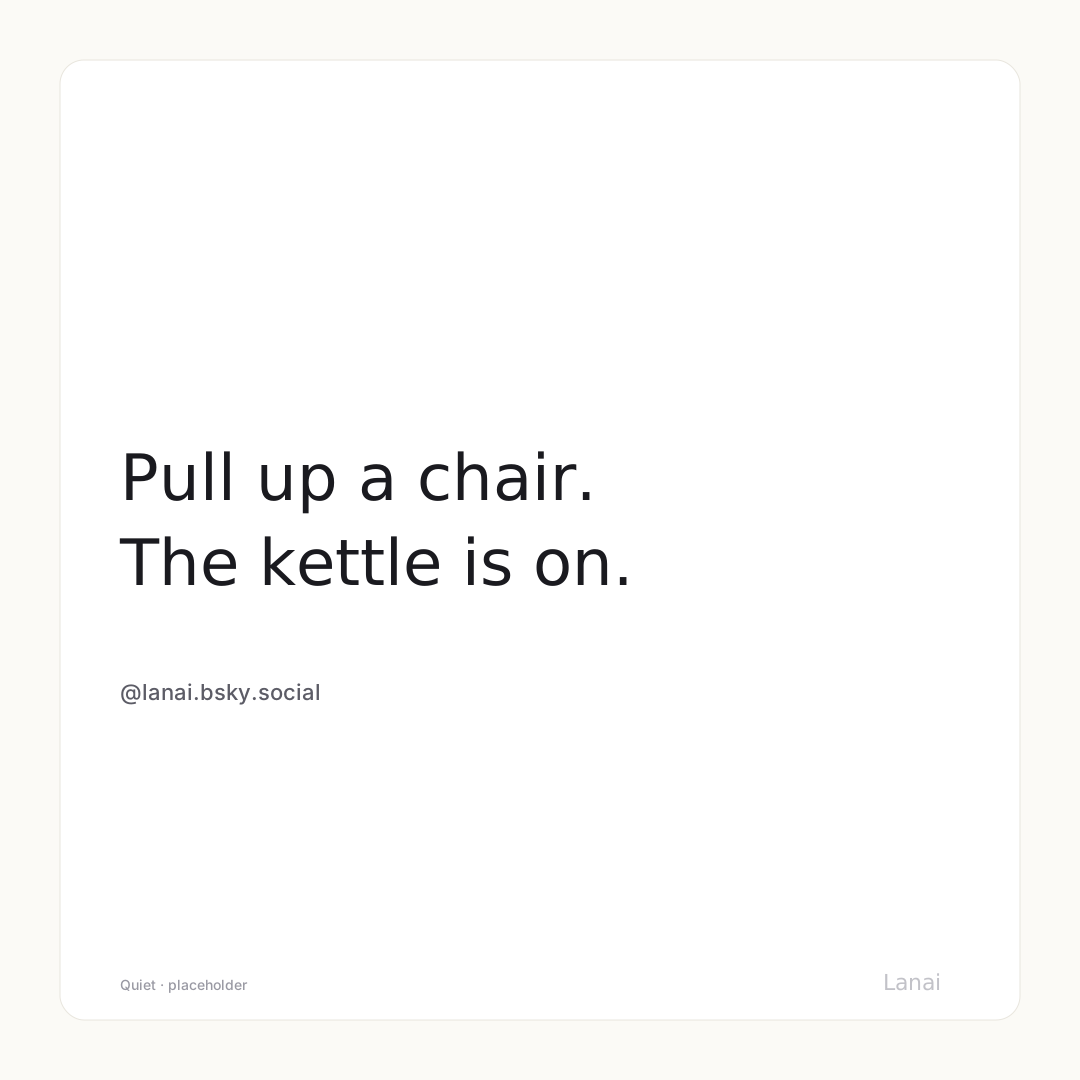
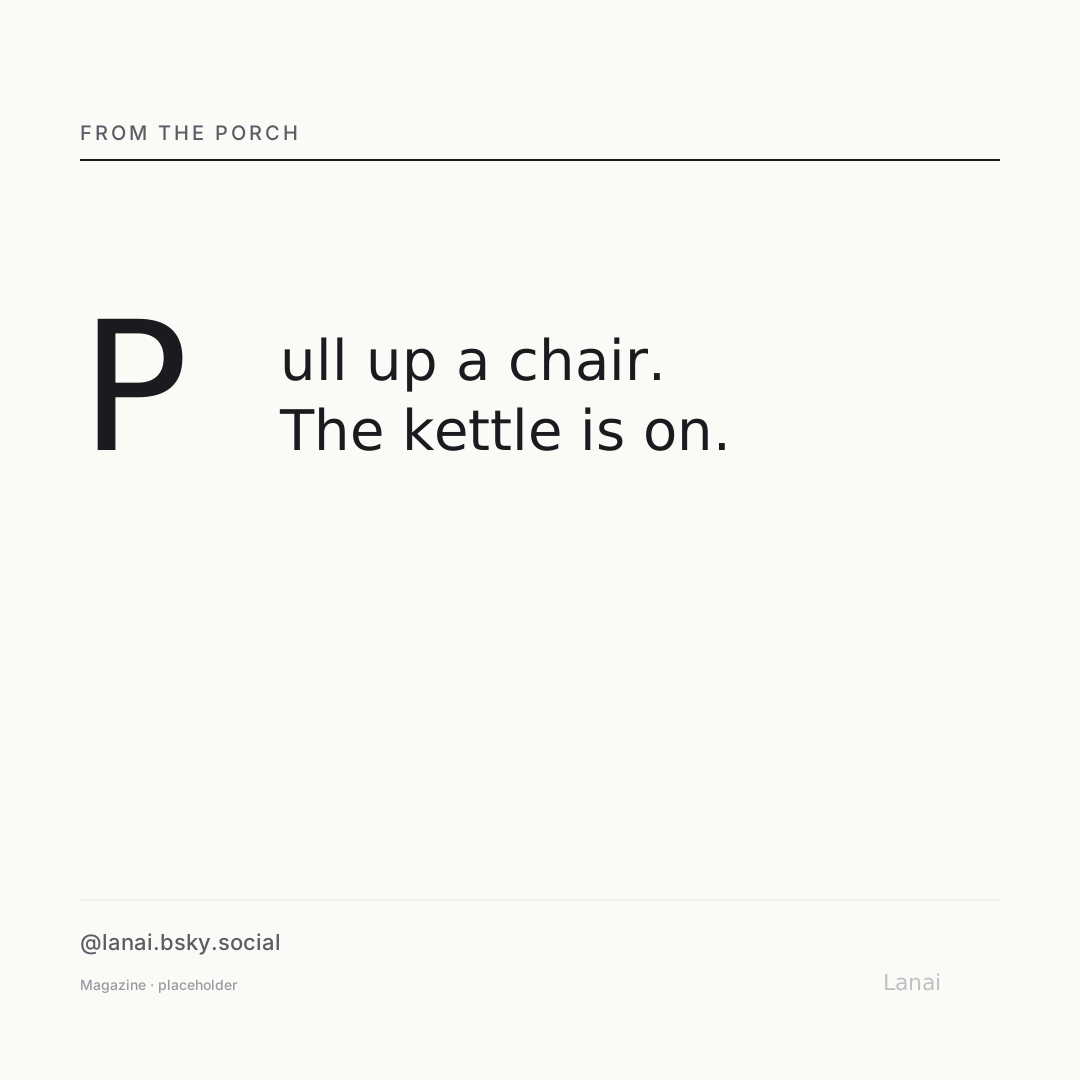
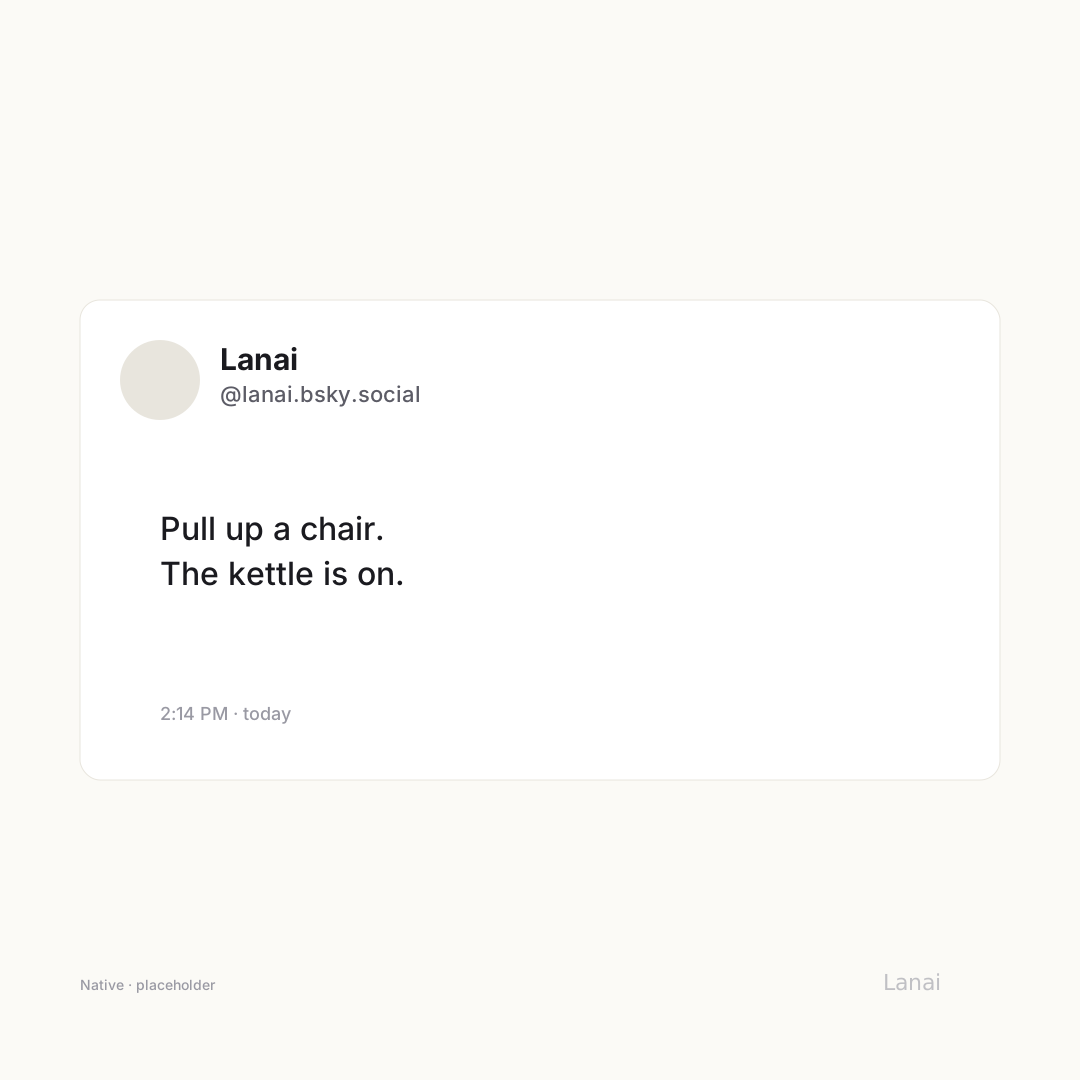
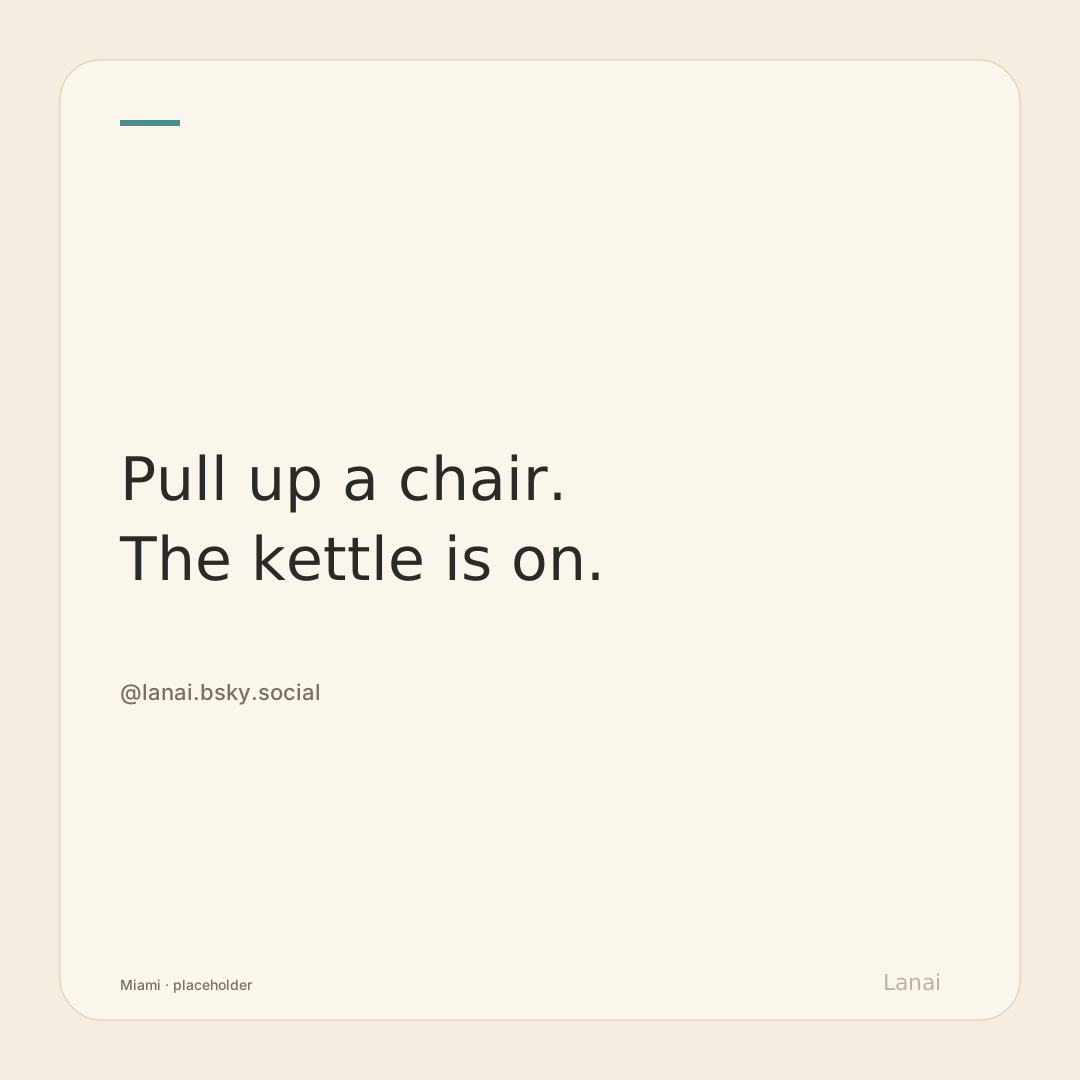
Seven templates
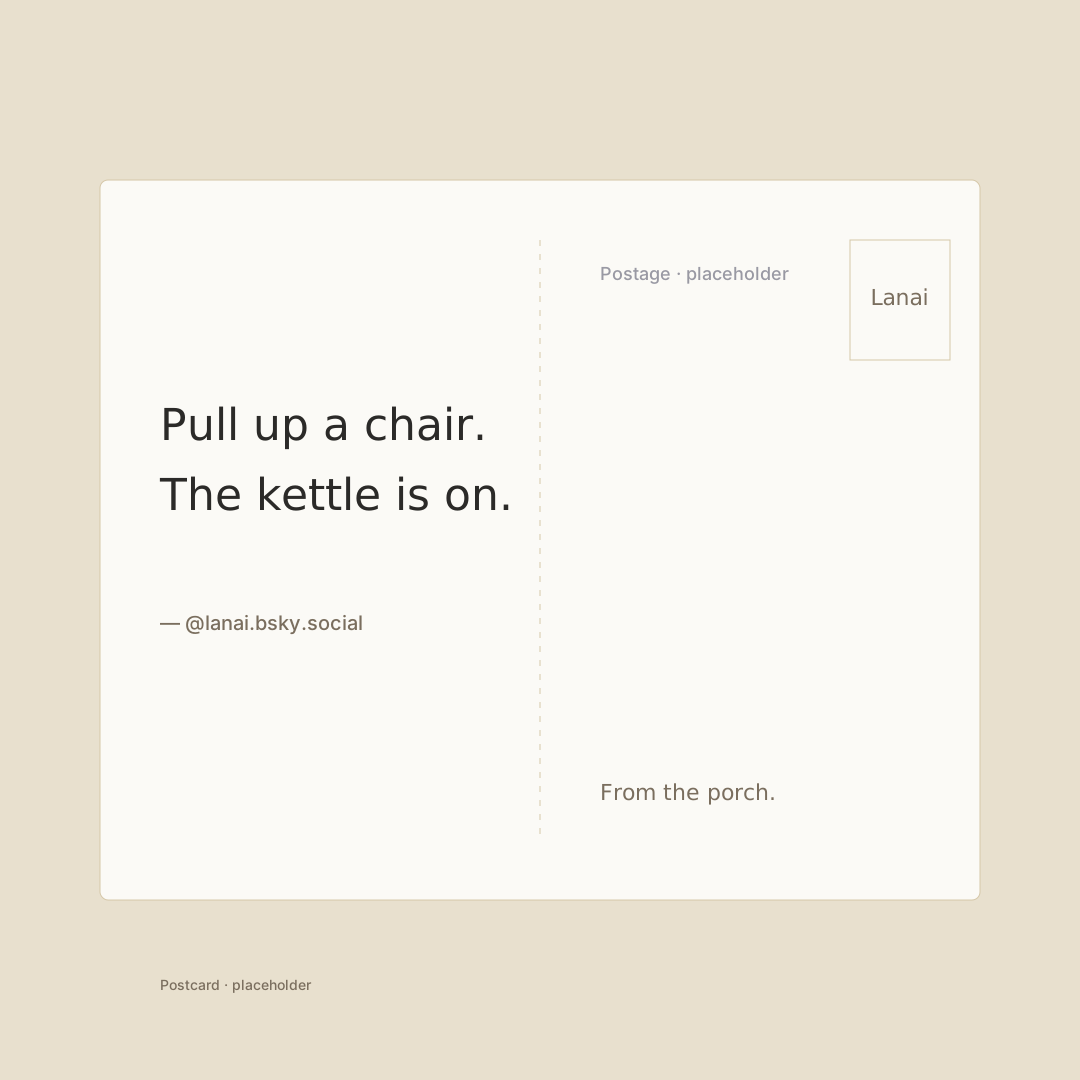
Each one is its own visual personality — same post, seven different ways to dress it. Pick the one that fits the mood of what you’re sharing, or let Lanai default to the one that matches your theme.


Three sizes
Square (1080 × 1080) for Instagram and Threads. Portrait (1080 × 1350) for the in-feed shape that travels well across platforms. Story (1080 × 1920) for the full-screen vertical surfaces that Stories and short-video apps prefer. All three render at 3× scale, so they stay crisp on any display, in anyone’s camera roll, on a billboard if it ever comes to that.
Smart cropping that keeps faces in frame
When a post has images, Lanai runs face detection and attention-saliency analysis on each one. The result is a nine-position alignment grid that tells the template renderer where the visual focus actually is — so a portrait photo gets cropped around the face, not around the geometric middle of the picture. Screenshots and text-heavy images are recognized for what they are and rendered with fit instead of fill, so nothing important leaves the frame.
It all runs on-device. No image leaves your phone to figure out where a face is.
Toggles you can use without thinking
Above the preview, a quiet bar of options lets you turn the post’s images on or off, show or hide the date, include the link preview, include a quoted post, and toggle the watermark. Each toggle is context-aware — the link preview only shows when there’s a link to preview; the quote toggle only appears when there’s a quoted post. The bar is restrained on purpose. Most users will tap nothing and still get a good result.
The watermark
The bottom-right corner carries a small Lanai watermark at 40% opacity. It’s on by default. It’s also removable.
The reason it’s on by default is plain: every shared image is, gently, an invitation. Somebody likes the way a post looks on a friend’s Instagram story; the watermark tells them where it came from. The reason it’s removable is the same one: if the moment is yours alone, the moment is yours alone. You’re in charge of which case applies.

This is the part of the app most likely to surprise you. People who don’t think of themselves as designers find that something they wrote on a Tuesday morning lands in their camera roll looking like an editorial pull-quote. That’s the design intent. The typography knew how to do that. Lanai just gave it a frame.